
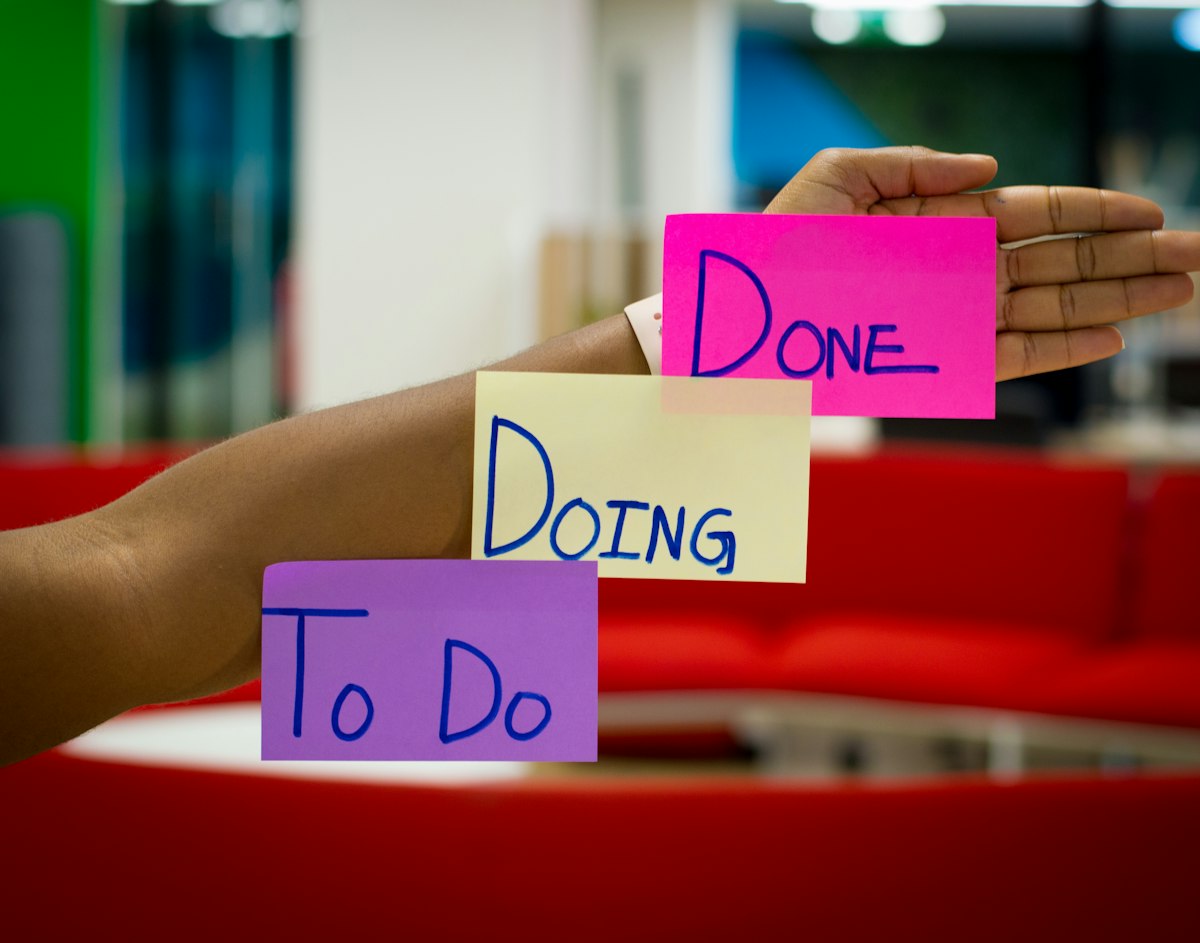
A content calendar is the backbone of any successful content marketing strategy. It transforms chaotic, last-minute publishing into a well-oiled content machine that consistently delivers results.
Key Takeaways
- Plan content at least 4-6 weeks in advance
- Include all content types: blog, social, email, video
- Assign owners and deadlines for accountability
- Review and adjust based on performance data
What Is a Content Calendar?
A content calendar (also called an editorial calendar) is a planning tool that helps you organize, schedule, and manage your content creation and publication. It provides a visual overview of what content is being published, when, and on which channels.
Why You Need a Content Calendar
Strategic Alignment
Ensure all content supports your business goals and marketing campaigns.
Consistency
Maintain a regular publishing schedule that your audience can rely on.
Team Coordination
Keep everyone aligned on deadlines, responsibilities, and content status.
Better Planning
Plan around seasonal trends, product launches, and industry events.
How to Create Your Content Calendar
Step 1: Define Your Content Goals
Before planning content, clarify what you want to achieve:
- • Increase organic traffic by X%
- • Generate X leads per month
- • Improve brand awareness
- • Support product launches
Step 2: Audit Your Existing Content
Review what you already have:
- • What content performs well?
- • What gaps exist in your content?
- • What can be updated or repurposed?
Step 3: Choose Your Content Types & Channels
| Content Type | Best For | Frequency |
|---|---|---|
| Blog Posts | SEO, thought leadership | 2-4x per week |
| Social Media | Engagement, awareness | Daily |
| Email Newsletter | Nurturing, retention | Weekly |
| Video | Engagement, tutorials | 1-2x per week |
Step 4: Plan Your Content Mix
Balance your content with the 80/20 rule:
- • 80% educational, entertaining, or helpful content
- • 20% promotional content about your products/services
Step 5: Set Up Your Calendar
Include these fields for each piece of content:
Content title
Content type
Target keyword
Publish date
Owner/Author
Status
Content Calendar Best Practices
- Plan ahead: Maintain at least 4-6 weeks of planned content
- Stay flexible: Leave room for timely, reactive content
- Batch create: Create multiple pieces of content in one session
- Review weekly: Check progress and adjust as needed
- Track performance: Use data to inform future planning
Frequently Asked Questions
How far in advance should I plan content?
Plan at least 4-6 weeks ahead for regular content. For major campaigns or seasonal content, plan 2-3 months in advance. Always leave 20% flexibility for timely topics.
What's the best tool for a content calendar?
It depends on your team size. Small teams can use Notion or Google Sheets. Larger teams benefit from dedicated tools like Postwyse, CoSchedule, or Asana with content-specific templates.
How often should I publish blog content?
Quality over quantity. For most businesses, 2-4 high-quality blog posts per week is ideal. Consistency matters more than volume—it's better to publish 1 great post weekly than 5 mediocre posts.
Should I include social media in my content calendar?
Yes! Include all content types in one calendar for a holistic view. This helps ensure consistent messaging across channels and makes content repurposing easier.